
see below for instructions to create a new account and more
Parent FACTS Sign In:
1. Click on the MZCS FACTS Family Portal Login Page. It is recommended to bookmark this page.
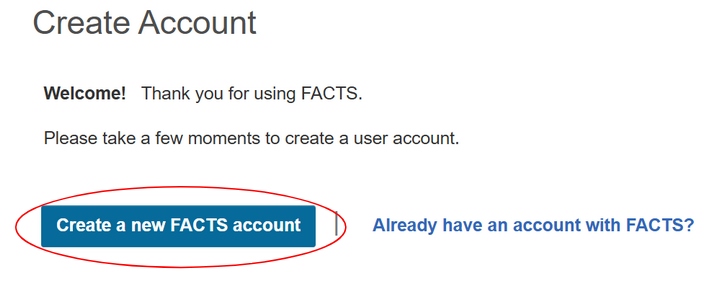
2. Click "Create New Family Portal Account"
3. Create an account using the email that we have on file for you. This is the same email that you were using for SchoolCues.
4. You will receive an email (from “FACTS Technical Support” with the subject line “Create New FACTS Family Portal Account) with instructions on how to create a username and password.
5. Return to the login screen to input your username and password. The District Code is MZ-WI.
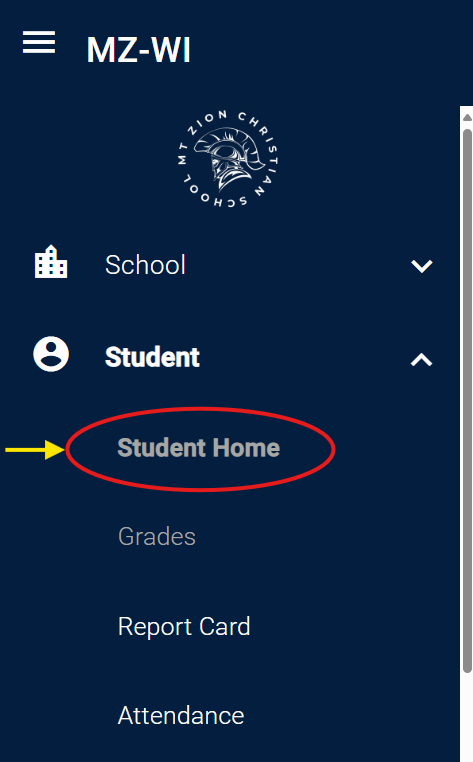
Check Grades
For individual assignment grades, click the class grade or the Grades tab
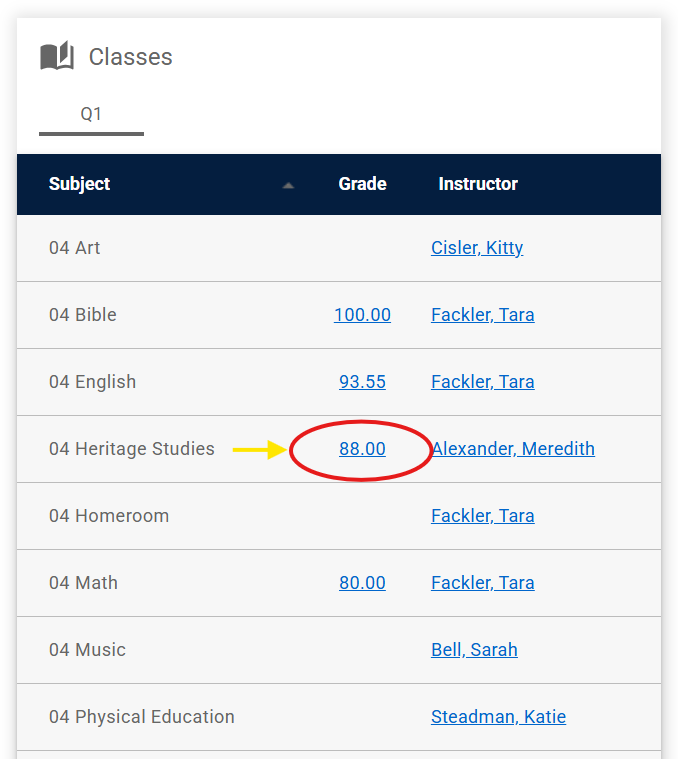
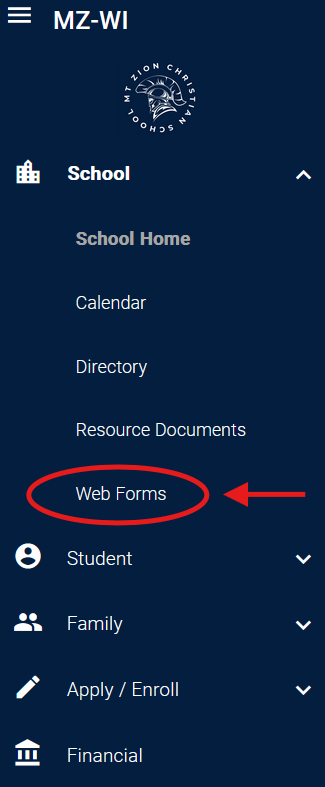
Update Demographic Information
Go to Web Forms
Choose Family Demographic Form

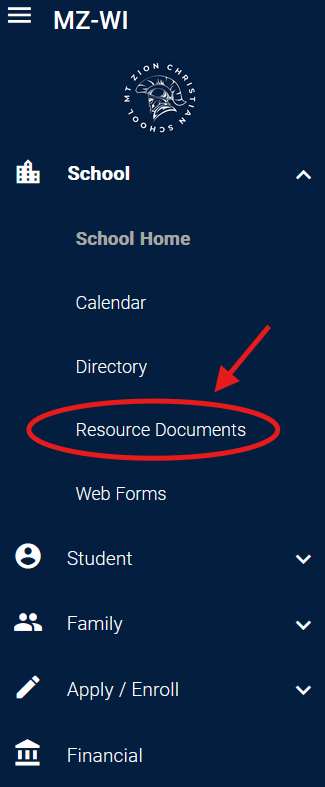
Download/Upload Forms and Documents:
Download school forms in Resource Documents
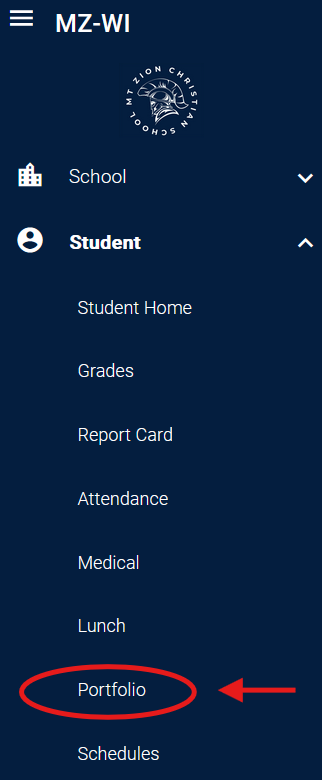
Upload documents into the student Portfolio
Financial Aid Application
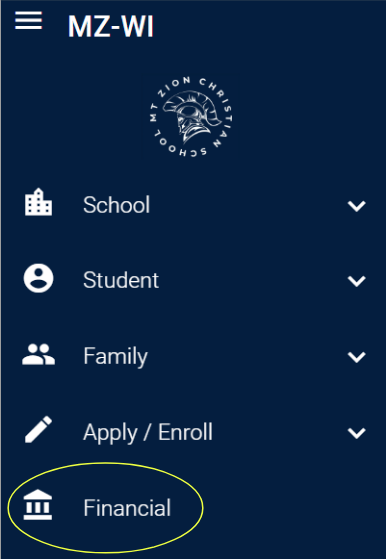
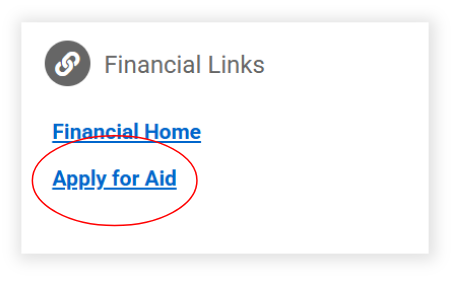
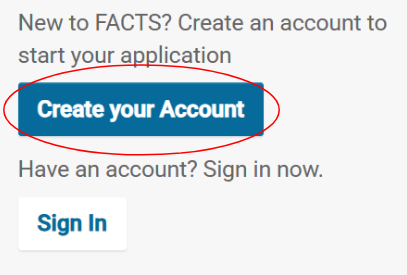
To Apply for Financial Aid, you must create a new FACTS account, separate from your Family Portal account.
Driven by curiosity and built on purpose, this is where bold thinking meets thoughtful execution. Let’s create something meaningful together.